How to Play Battle Royale Browser Games: A Complete Beginner's Guide
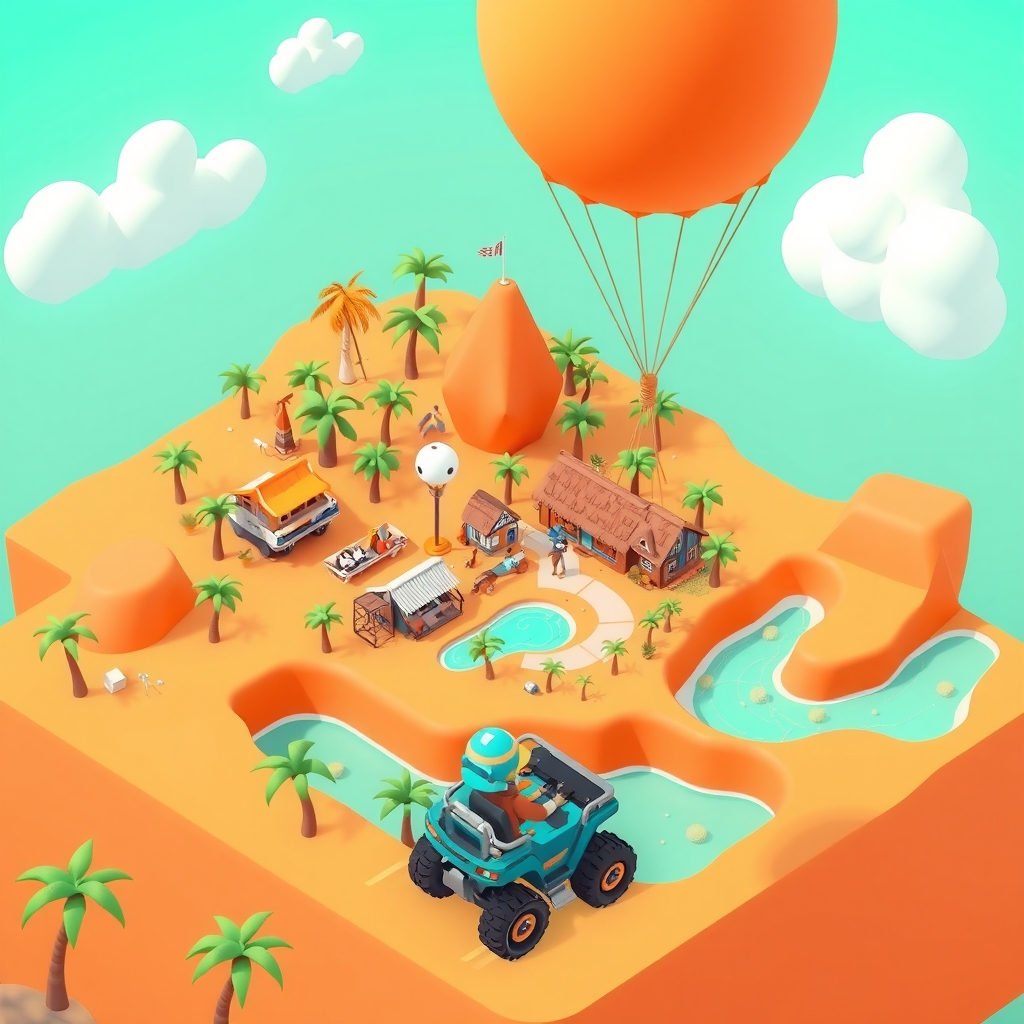
In short: Battle royale browser games run instantly in your web browser without downloads or installation. You need a modern browser with WebGL enabled, a stable internet connection, and either keyboard-mouse or touch controls. Games load in 10–30 seconds, support anonymous play, and work on PC, Mac, Chromebooks, and mobile browsers.
No download, no sign-up – jump straight into a match.Play now →
- Browser battle royales require no download—just a URL, WebGL support, and 2–5 Mbps internet
- Anonymous play is standard, but accounts save progress across sessions on the same device
- Mobile browsers need fullscreen mode to prevent UI elements from blocking controls
- Ad blockers and incognito mode commonly break saves, ads, or WebSocket connections needed for multiplayer
- Lightweight browser games run on school and work laptops that cannot install 15 GB clients like Fortnite
What Do You Actually Need to Start Playing Battle Royale Browser Games?
You need three things: a modern browser, a stable internet connection, and a bit of patience. No downloads, no accounts, no credit cards.
Browser requirements matter more than your operating system. Most browser battle royales built after 2022 require WebGL 2.0, which means Chrome 89+, Firefox 88+, Safari 15+, or Edge 89+. You can verify this by visiting chrome://gpu (Chrome) or about:support (Firefox) and checking "WebGL" status. If it reads "Hardware accelerated," you're set. If "Software only," expect frame drops in 3D titles.
Device compatibility breaks down as follows:
| Device Type | What Works | Common Failure Point |
|---|---|---|
| Windows/Mac laptop | Full keyboard + mouse support | Integrated graphics struggling with WebGL |
| Chromebook | Most.io and low-poly games | Android container games won't run in browser |
| iPad (Safari) | Touch-optimized titles | Address bar covers bottom controls; use "Add to Home Screen" |
| Android phone | Progressive Web App versions | Keyboard input not recognized without OTG adapter |
The actual startup flow: Navigate to the game's URL → wait for the loading bar → click "Play" or "Quick Match" → land in a pre-game lobby or immediately on the spawn plane. Some games, like 1v1.lol, offer instant anonymous play; others prompt for a guest username.
Network note: Browser battle royales use WebSocket connections for real-time action. Corporate or school networks blocking non-HTTPS traffic or specific ports will break matchmaking before you see an error message. If the lobby spins indefinitely, this is the likely cause—not your device.
What Happens When You Open a Browser Battle Royale: The First 60 Seconds
The moment you land on a game's URL, your browser begins a silent negotiation with the game server that determines whether you'll be playing in seconds or troubleshooting for minutes.
Second 0–15: Asset caching and permission requests. The browser downloads core game files into temporary memory. Lightweight.io titles tend to cache quickly, while cloud-streamed options require more setup time. You may see a single permission prompt: "Allow notifications" (decline this; it rarely affects gameplay) or "Enable hardware acceleration" (accept). Games like 1v1.lol skip this entirely and load straight to a menu.
Second 15–35: Matchmaking initiation. Click "Play" and the browser opens a WebSocket connection to the regional server. The lobby fills with real players, bots, or a hybrid depending on time of day. For titles on cloud platforms with large user bases like Now.gg, queue times tend to stay short; niche games may take longer.
Second 35–60: Spawn and orientation. You drop onto the map. Movement controls work immediately—WASD or touch joystick depending on device. The HUD loads progressively: health bar first, then inventory, then minimap. If any element stays blank, your browser's ad blocker likely intercepted a WebSocket packet; pause it and refresh.
| Timestamp | What You See | What Actually Happens |
|---|---|---|
| 0–10s | Loading bar or logo screen | Browser compiles WebGL shaders, caches textures |
| 10–20s | Main menu appears | Game tests latency to nearest server node |
| 20–35s | "Finding match" spinner | WebSocket handshake; player pool aggregation |
| 35–45s | Pre-game lobby or spawn plane | Final asset push; control scheme detection |
| 45–60s | Gameplay begins | Full-duplex connection established |
Anonymous versus registered play: Most browser battle royales default to guest mode—your progress vanishes when you close the tab. Account creation, if offered, typically requires only username and password; no email verification for 1v1.lol. Cross-platform progress sync, where available, demands this account step.
The incognito trap: Private browsing modes discard local storage, meaning skins, settings, and even tutorial completion reset every session. For persistent progress without full registration, use standard browsing with "Clear cookies" set to exclude your game domains.
Basic Controls for PC and Mobile Browser Play
Browser battle royales detect your input method automatically, but the detection isn't perfect—knowing how to force the right control scheme saves you from spawn-death frustration.
PC controls follow a near-universal standard. WASD moves, mouse aims, left-click fires, right-click scopes or builds depending on the title. Space jumps; Shift sprints; E or F interacts with loot. The critical detail: browser games run inside a window, so your mouse cursor escapes the game boundary unless you click once to capture it. If aiming feels floaty, press Escape to free the cursor, then click dead center on the game canvas to re-engage raw mouse input. For 1v1.lol, build keys default to Q, Z, X, C, V for wall, floor, ramp, roof, and trap—remappable only if you create an account.
Mobile browser controls require intentional setup. Touch joysticks appear on screen, but their placement shifts based on your browser's viewport. On iPad, Safari's bottom address bar compresses the playable area; swipe it down to minimize or use "Add to Home Screen" to launch in full-screen PWA mode. Android Chrome handles this better with auto-hiding toolbars. Two-finger drag zooms the map; single-finger drag moves the camera. Fire buttons are usually on the right, but their size varies by game—check settings for "Button scale" if you miss taps.
| Input Method | Critical Setup Step | Common Failure |
|---|---|---|
| PC keyboard | Click game canvas before match | Tab focus on address bar, WASD scrolls page |
| PC gamepad | Map via browser's Gamepad API first | Button mapping resets every session |
| Mobile touch | Add to Home Screen for full screen | Address bar covers fire button mid-fight |
| iPad + keyboard | Enable "Full Keyboard Access" in iOS settings | Arrow keys scroll page instead of moving character |
The iPad keyboard edge case: Bluetooth keyboards paired with iPads send arrow-key events that Safari intercepts for page scrolling. Disable this in Settings > Accessibility > Keyboards > Full Keyboard Access. Without this step, your WASD-equivalent arrows won't register in 1v1.lol or any other browser title.
Core Battle Royale Mechanics Explained for New Players
Every browser battle royale compresses the same survival formula into shorter matches—understand these four rules and you'll stop dying in the first minute.
The shrinking safe zone forces confrontation. You spawn on a large map with a visible circle boundary. Outside this circle, your health drains rapidly. The circle shrinks at set intervals, pushing remaining players together. In 1v1.lol, this mechanic appears in battle royale modes as a storm that closes over several minutes; in larger cloud-streamed titles like Fortnite via Now.gg, phases last longer but follow identical logic. Check your minimap constantly—getting caught outside while looting is the leading cause of early elimination.
Loot tiers determine fight outcomes, not raw aim. Weapons spawn with color-coded rarities: gray (common) to gold (legendary). A gray assault rifle needs more hits to eliminate than a gold variant. Prioritize upgrading over hoarding. The concrete priority on landing: weapon → shield/health item → mobility tool. Everything else is secondary.
| Phase | What to Do | What Kills Beginners |
|---|---|---|
| Drop | Land at map edge for safer looting | Hot zones with 5+ players; instant death |
| Mid-game | Rotate early toward next circle center | Looting too long; caught by storm |
| End-game | Build cover or take high ground | Panic spraying; no positioning |
Building separates browser battle royales from standard shooters. 1v1.lol makes this explicit: walls block incoming fire instantly, ramps grant vertical advantage. The build sequence under fire: wall (block damage) → ramp (gain angle) → edit window (return fire). Practice this muscle memory in the game's free build mode before queueing ranked matches.
Elimination respawn rules vary by title. Pure battle royales offer one life per match—dead means spectating or returning to lobby. Some browser variants include reboot cards (squadmates can revive you at specific stations) or gulag-style 1v1 respawn duels. Check the pre-game HUD for a respawn indicator; if absent, play conservatively until final circle.
Where to Find Free Battle Royale Browser Games with No Download
The best sources for instant-play battle royales fall into three distinct categories, each with different trade-offs between accessibility and feature depth.
Dedicated.io game portals aggregate lightweight titles. Sites like Unblocked Games 76 host 1v1.lol directly—search the platform, click the result, and play within seconds. These portals solve network restriction problems for school or workplace environments. The downside: ad density is high, and game versions may lag behind official releases.
Cloud streaming platforms deliver full-scale battle royales without installation. Now.gg streams Fortnite to any browser, with approximately 6 billion+ minutes played monthly across its catalog. Visit the URL, wait briefly for the virtual instance to spin up, and play with full keyboard and mouse support. This works on Chromebooks and low-end laptops that couldn't run the native download.
Direct publisher sites offer the cleanest experience. 1v1.lol loads straight from its official domain with no intermediary ads, no account required for basic play, and cross-platform compatibility across web browsers, Android, iOS, and Windows.
| Source Type | Best For | Load Time | Account Needed? |
|---|---|---|---|
| .io portals | Restricted networks | Quick | Rarely |
| Cloud streaming | Full-featured BR on weak hardware | Moderate | Yes (platform) |
| Publisher direct | Cleanest, most current version | Quick | Optional |
For a curated list of verified titles, see our guide to free browser battle royale games or explore free IO games battle royale 3D for genre-specific picks.
How to Improve Performance and Fix Common Browser Game Issues
Browser battle royales live or die by frame stability and connection quality—two factors you can control without upgrading hardware.
Close background tabs ruthlessly. Each open tab consumes RAM and CPU cycles that WebGL-rendered games need. For 1v1.lol, aim to keep at least 2GB of free RAM; on 4GB systems, this means closing everything except the game tab. Use your browser's built-in task manager (Shift+Esc in Chrome) to identify tabs with high CPU usage.
Fix WebSocket disconnections caused by overzealous blocking. Ad blockers and privacy extensions like uBlock Origin or Privacy Badger frequently block the WebSocket connections that browser games use for real-time multiplayer data. If you see "Reconnecting..." loops or frozen enemy players, whitelist the game domain in your blocker or disable it temporarily for that site only.
| Symptom | Root Cause | Fix |
|---|---|---|
| Stuttering every 2–3 seconds | Browser garbage collection | Reduce texture quality in settings; close other apps |
| Black screen after loading | WebGL disabled or outdated | Enable hardware acceleration in browser settings |
| Input lag on mouse | VSync forced by browser | Disable "Smooth scrolling" in browser flags |
| Mobile controls unresponsive | Address bar reappearing | Add to Home Screen for PWA launch |
Force hardware acceleration on integrated graphics. Chrome and Firefox disable WebGL on some Intel HD Graphics configurations by default. Type chrome://flags or about:config, search for "WebGL," and set "Override software rendering list" to Enabled. Restart, then verify at chrome://gpu that WebGL 2.0 reads "Hardware accelerated."
Tame thermal throttling on laptops. Browser games push sustained CPU load that triggers fan curves and clock reduction. Elevate your laptop for airflow, or cap frame rates to 30fps via in-game settings—stable 30fps beats stuttering 60fps in a shooter.
The mobile data warning: Cloud-streamed titles like Fortnite via Now.gg can consume significant data per hour. On metered connections, stick to lightweight native browser games like 1v1.lol that use comparatively little data.
Our Own Game: LudoSnake Instant Battle Royale
Full disclosure: we make this game. LudoSnake is a free 3D low-poly battle royale that runs instantly at ludosnake.xyz—no download, no login, no waiting for installers. You open the URL, tap or click, and parachute into a 40-player match within seconds.
The flow is deliberately compressed for browser constraints: a short lobby, plane flight over a 480-meter island, then press JUMP at your chosen moment to drop from 60 meters and steer toward one of five named towns—Mango Farm, Red Fort, Lotus Bay, Neon Market, or Tiger Hills. Each location spawns randomized loot, so no two drops play identically.
Two modes accommodate different needs. "VS AI" starts instantly with bot-filled lobbies for practice or low-latency play on weaker connections. "Multiplayer" queues real players, backfills with bots after one minute, and grants 50% more coins. The safe zone shrinks in six stages with damage escalating from 1 to 15 HP per second outside; nine drivable buggies at 17 m/s let you outrun late-zone collapse.
LudoSnake installs as a Progressive Web App on mobile and works on any modern browser. The trade-off: lower polygon counts than downloaded titles, and no private matchmaking yet—friends join via share link, not invite codes.
Tips for Winning Your First Matches
New players lose matches to panic, not skill. These concrete habits close the gap between landing and your first victory.
Master the drop arc before combat. In 1v1.lol, released May 1, 2020, you can practice building under fire without queueing ranked matches. Use this free build mode to drill the sequence: wall to block damage, ramp to gain angle, edit window to return fire. Ten minutes of isolated practice transfers directly to live matches.
Loot with exit routes in mind. Never enter a building without identifying two escape paths—door and breakable wall or window. If an enemy enters behind you, pre-planned exits prevent corner trapping. Prioritize weapon first, shield or health second, mobility tool third. Everything else is secondary.
Third-party fights aggressively. When two players exchange fire, both are weakened and distracted. Wait until one falls or retreats, then engage the survivor immediately. This timing exploit generates disproportionate wins for patient beginners.
Track the player count HUD. Below 10 survivors, audio cues matter more than looting. Crouch-walk, listen for footsteps and build sounds, and let aggressive players eliminate each other while you hold circle edge.
For deeper strategy on lobby composition and match pacing, see our comparison of how many players in IO battle royale games. Ready to test these tips? Drop into LudoSnake right now at ludosnake.xyz—no download, no login, just tap and parachute into a 40-player match that runs instantly in your browser.
FAQ
Are browser battle royale games really free?
Yes, the core experience is free. Most browser battle royales, including 1v1.lol and LudoSnake, charge nothing to play and contain no pay-to-win mechanics. Revenue comes from optional cosmetic purchases or advertisements. Some platforms like Now.gg offer cloud-streamed titles such as Fortnite at no cost, though with queue times or session limits.
Can I play battle royale on browser without an account?
Yes. Anonymous play is a defining feature of browser battle royales. You open the URL, tap or click, and enter matchmaking immediately. Progress like coins, skins, or battle pass tiers typically saves to your device via browser cookies or local storage. Creating an account is only necessary if you want cross-device progress or friend lists.
Why won't my browser battle royale game load?
First, confirm WebGL is enabled in your browser settings—games need it to render 3D graphics. Disable ad blockers, which often block the WebSocket connections that power multiplayer lobbies. Avoid incognito mode, since it deletes local storage and resets progress. On mobile, use a mainstream browser like Chrome or Safari; niche browsers frequently lack full WebGL support.
How do I improve FPS in browser games?
Close unnecessary browser tabs to free RAM and CPU. Lower the in-game resolution or quality settings if available. On laptops, plug into power rather than running on battery, as browsers throttle performance to save energy. Disable browser extensions that inject scripts into pages. For mobile, enable fullscreen mode so the address bar does not consume screen space or trigger accidental refreshes.
Can I play these games on my mobile device?
Yes, most browser battle royales are built with mobile-first design. Touch controls use a left thumbstick for movement and right-side buttons for aiming and shooting. However, mobile browsers require fullscreen mode to hide the address bar, which otherwise covers controls or causes mis-taps. Progressive Web App (PWA) installation—available in games like LudoSnake—removes the browser chrome entirely for a native-app feel.
What happens in the first 60 seconds of a browser battle royale?
You land on the game's URL, wait 5–15 seconds for assets to load, then tap or click to enter a lobby. After a brief countdown, you spawn in a plane or pre-match area. You press the jump button—typically Space or an on-screen prompt—to deploy your parachute, steer toward a loot location, and begin searching for weapons and armor before opponents land nearby.